
Apple Pay. A safer, contactless way to pay
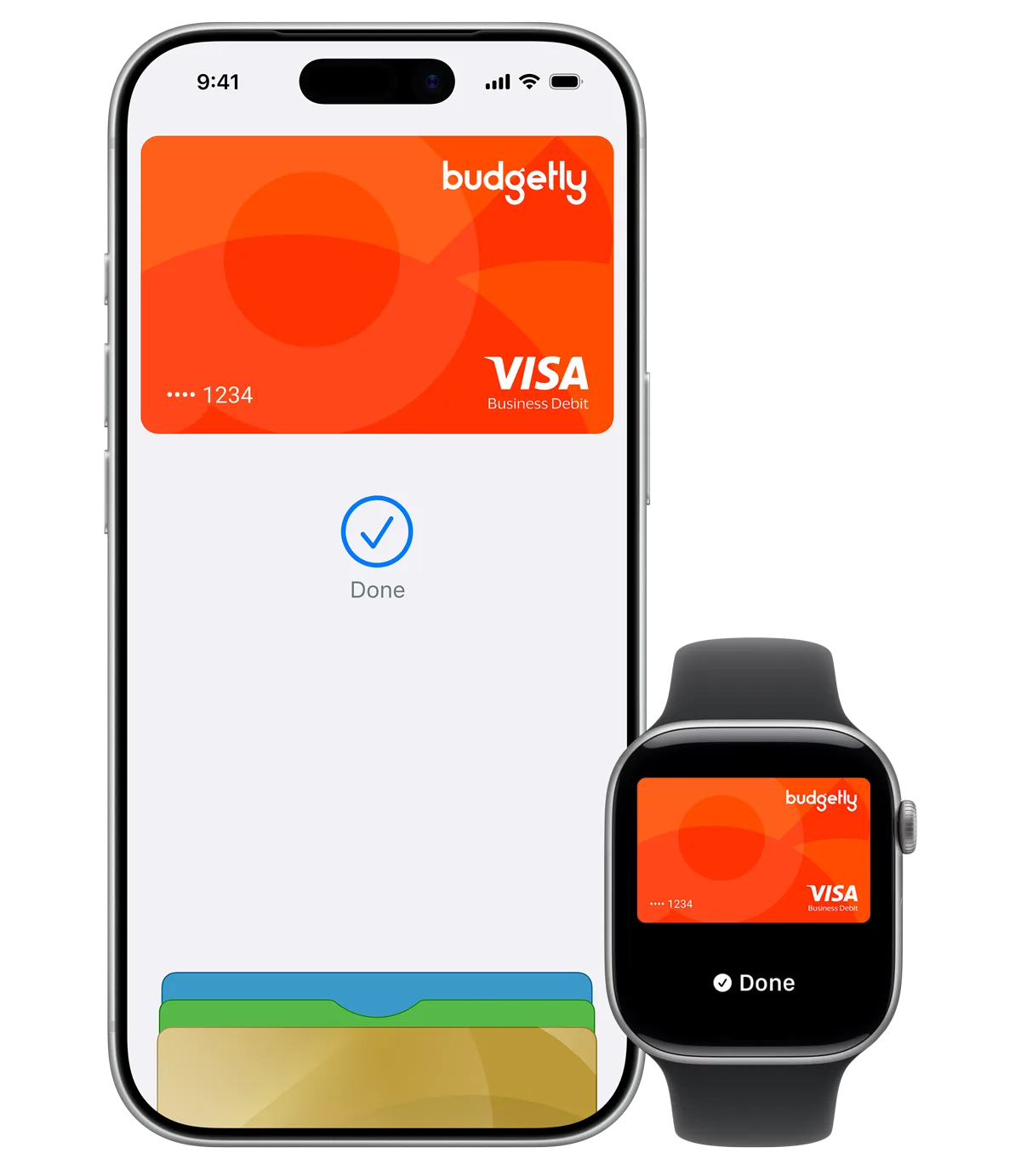
Now more than ever, Apple Pay is a better way to pay with your Budgetly card. It's contactless, safe and easy. Apple Pay lets you pay with your iPhone or Apple Watch.
Use Apple Pay wherever you see the contactless or Apple Pay symbol.
How to add your card in 3 easy steps
Add your Budgetly card to your Apple Wallet and start paying in seconds.
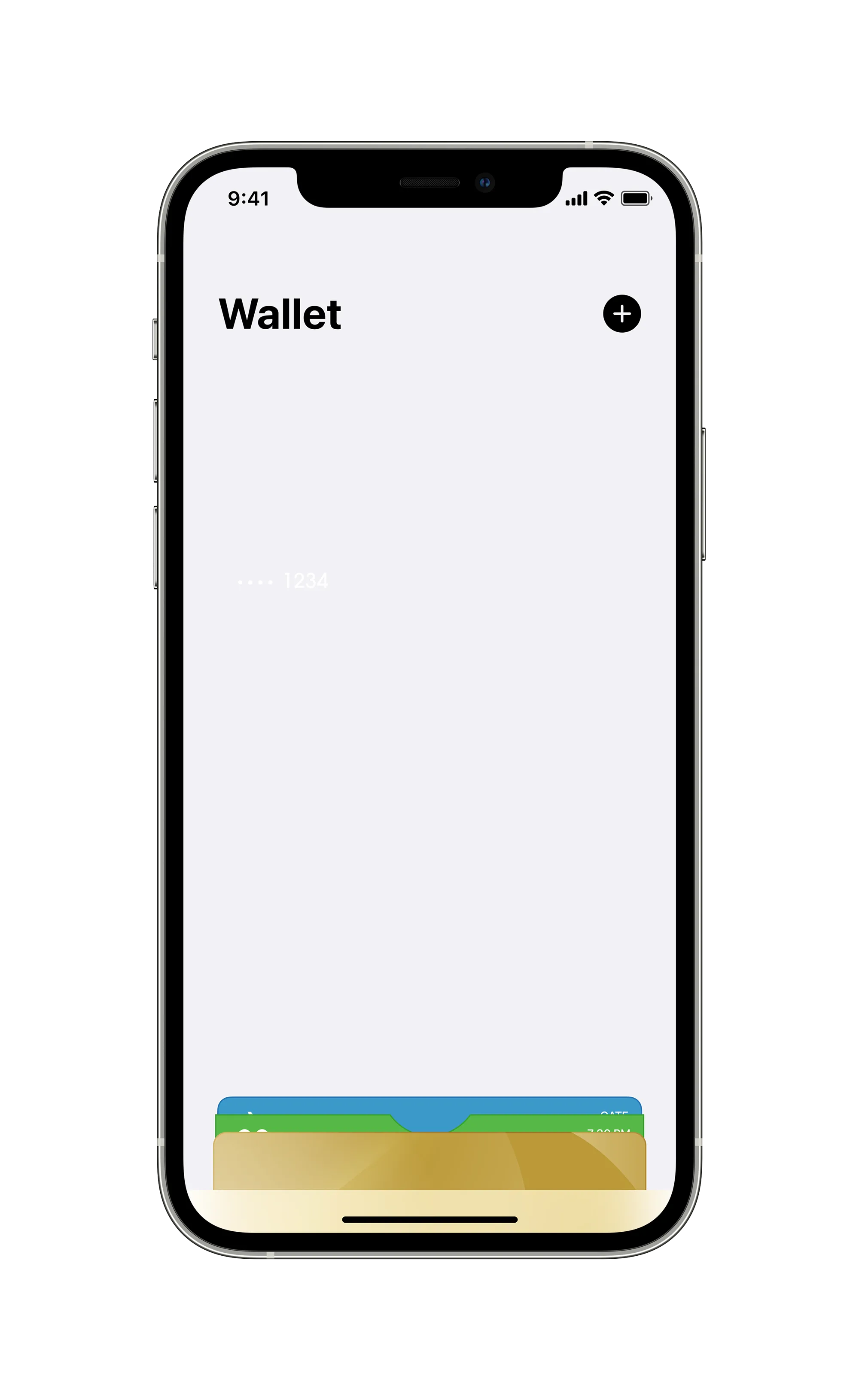
Open Apple Wallet
In the Apple Wallet app, tap the '+' sign in the top right and follow the simple instructions.
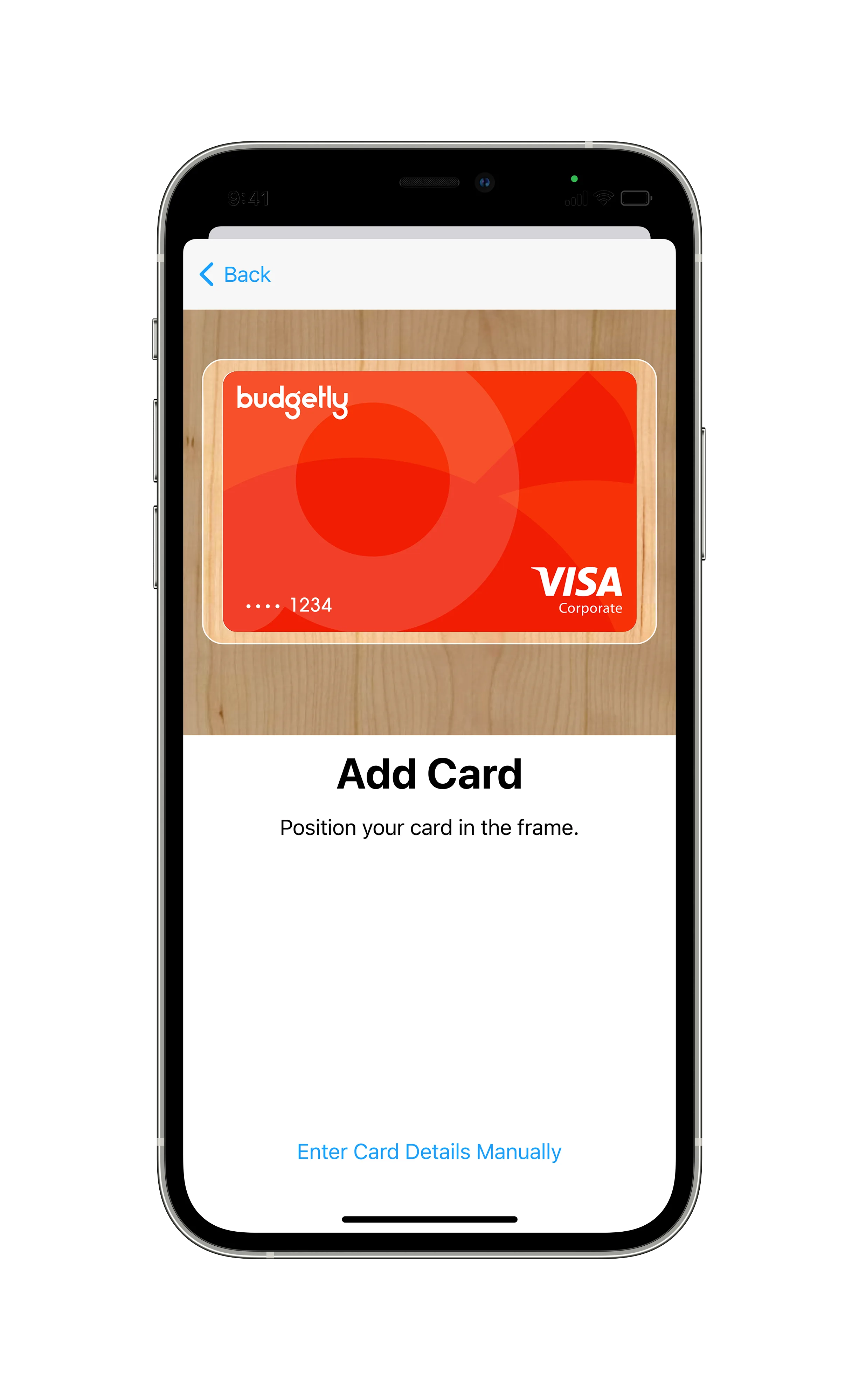
Add your card
Follow the prompt to 'Add Card' and enter your Budgetly card details.
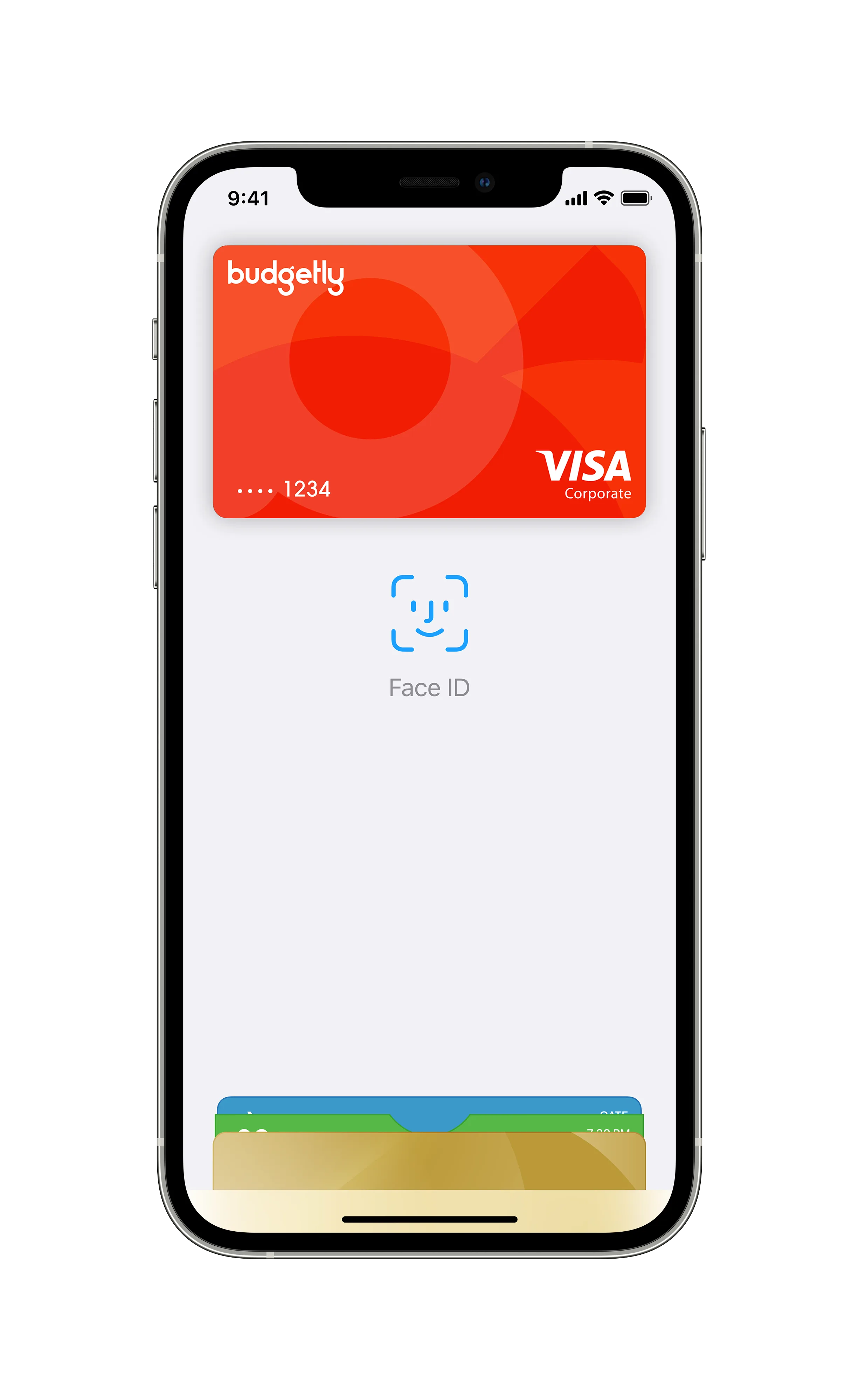
You're ready to go
Your card has now been added to Apple Wallet and you're ready to tap and pay easily and securely with Apple Pay.
Need more detail? Step-by-step instructions on our Help Centre
How to pay
Apple Pay is the easiest way to pay in stores, in apps and online with your iPhone, Apple Watch, iPad and Mac.
Paying in stores
To pay with Face ID, double-click the side button, glance at your screen, then hold iPhone near the reader. On Apple Watch, double-click the side button and hold Apple Watch up to the reader.
Paying in apps and on websites
Select Apple Pay at checkout and complete the payment using Face ID or Touch ID. On Mac models with Touch ID, pay using Touch ID on the Touch Bar.
Frequently asked questions
Where can I use Apple Pay?
You can use Apple Pay to make payments at any merchant where contactless payments are accepted. Simply look for the contactless symbol or Apple Pay mark.
Which Budgetly cards are eligible for Apple Pay?
All Budgetly cards are eligible for Apple Pay.
Can I add multiple cards to Apple Pay?
Yes, you can add multiple eligible cards to Apple Pay on compatible devices and choose a default card.
How do I set my default card in Apple Pay?
The first card added to Apple Wallet is the default card. Change it in Settings > Wallet & Apple Pay > Default Card.
How do I change my payment network from Visa to eftpos?
On your iPhone, open the Wallet app, tap on your Budgetly Visa debit card, tap the three dot icon and select eftpos SAV or eftpos CHQ.
Can I use Apple Pay to get cash out?
Yes, some merchants have enabled this. Visa debit cardholders need to select the eftpos SAV or eftpos CHQ payment network. Cash out at ATMs is not yet enabled.
How secure is an Apple Pay transaction?
Apple Pay is safer than using a physical card. Face ID, Touch ID or your passcode are required. Your card number and identity aren't shared with merchants.
Are there any fees for using Apple Pay?
No. Apple does not charge any fees when you use Apple Pay.
Which devices are compatible with Apple Pay?
Apple Pay works with iPhone 6 and later, Apple Watch, iPad Pro, iPad (5th generation), iPad Air 2 and iPad mini 3 and later, and Mac (2012 or later) in Safari.
What is a virtual corporate card?
Virtual corporate cards work the same way as a physical card but live in your mobile phone. The Budgetly virtual Visa card is a reloadable prepaid card accepted anywhere Visa is accepted.
Learn how Budgetly can help you manage team spending
We'd love to answer any of your questions
Schedule a demo